
Table of Contents
- How to Choose a Gaming Tower PC
- Best Prebuilt Gaming Tower PCs in 2026
- CPU, GPU and RAM: What Actually Matters
- Pakistan Prices and Where to Buy
- Local Buying Tips: Hall Road Lahore and Techno City Karachi
- FAQs
- Final Verdict
A prebuilt gaming tower PC is the simplest way to get into PC gaming in 2026: you unbox it, plug it in, and play. No part compatibility worries, no BIOS updates on day one, and one warranty covering the whole machine. This guide compares the tiers that actually make sense this year, with prices in both USD and PKR, so you can pick the right tier before you walk into a shop.
Related reading: Mini PC vs Tower PC comparison and Best Gaming PCs Under $1000 in 2026.
How to Choose a Gaming Tower PC
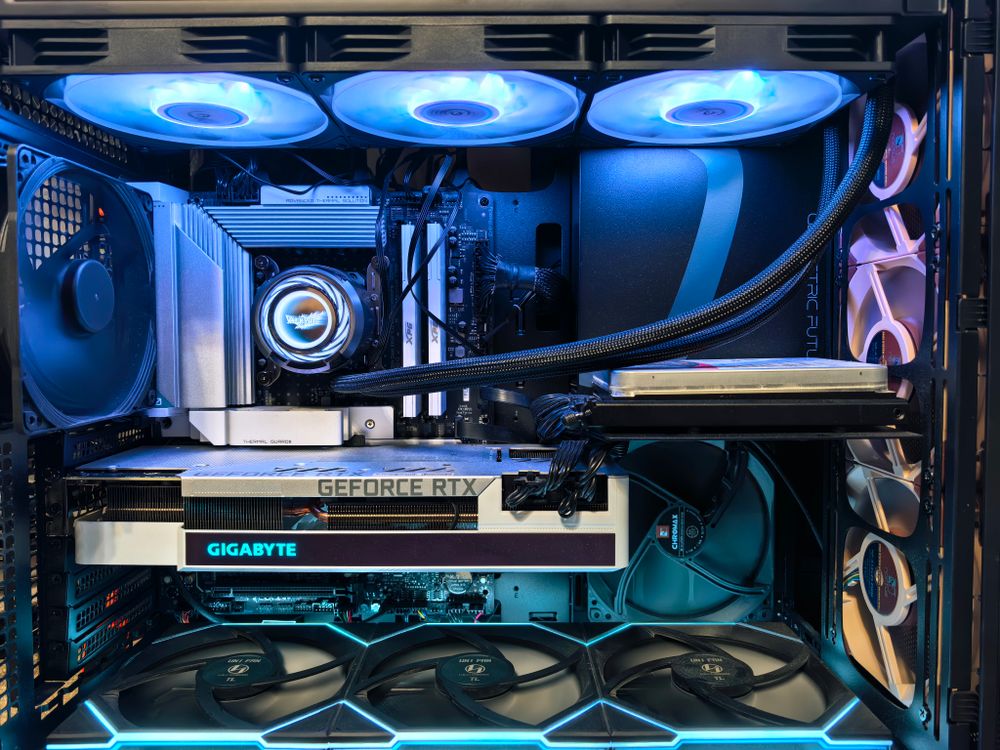
Choose the graphics card first, because it decides your gaming resolution and frame rate more than any other part. Then make sure the CPU, RAM and storage do not hold that card back. A good tower also needs airflow: mesh front panels and at least two or three fans beat a sealed glass box every time, especially in warm rooms. Finally, check the power supply wattage and the upgrade path — a standard case, standard motherboard and standard power supply mean you can swap parts later instead of replacing the whole PC.
Best Prebuilt Gaming Tower PCs in 2026
| Tier | Typical Specs | Best For | Price (USD / PKR) |
|---|---|---|---|
| Budget 1080p | RTX 5050 / RX 9060, Ryzen 5 / Core i5, 16 GB DDR5, 512 GB–1 TB SSD | Esports and 1080p gaming | $750–$950 / PKR 210,000–270,000 |
| Mid-range 1440p (best value) | RTX 5060 Ti / RX 9060 XT, Ryzen 7 / Core i7, 16–32 GB DDR5, 1 TB SSD | Smooth 1440p gaming | $1,100–$1,500 / PKR 310,000–425,000 |
| High-end 4K | RTX 5070 Ti / RX 9070 XT, Ryzen 7/9 / Core Ultra 7, 32 GB DDR5, 1–2 TB SSD | 4K gaming and streaming | $1,800–$2,500 / PKR 510,000–710,000 |
| Flagship | RTX 5080/5090 class, top CPU, 32–64 GB DDR5, 2 TB SSD | 4K ultra and content creation | $3,000+ / PKR 850,000+ |
Note: all prices above are approximate 2026 market estimates — live price verification was not possible at drafting time, so confirm the exact price with the seller before buying.
CPU, GPU and RAM: What Actually Matters
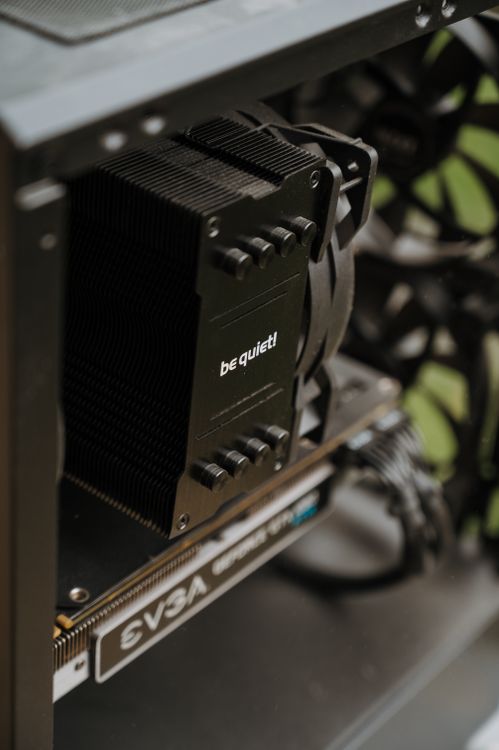
GPU: the single biggest gaming upgrade. An RTX 5060 Ti-class card handles 1440p well; go higher only for 4K. CPU: a modern 6–8 core processor is enough for gaming — extra cores help streaming and editing, not frame rates. RAM: 16 GB DDR5 is the minimum in 2026; 32 GB is the comfortable pick if you multitask or play large open-world games. Storage: insist on an NVMe SSD (1 TB minimum); a hard drive as the main drive is a deal-breaker in 2026. Power supply: a reputable 650W–850W unit with headroom protects your upgrade path. Avoid single-channel RAM (one stick instead of two), unknown-brand power supplies, and sealed cases with no airflow.
Related reading: Best Tower PCs for Home Office & Business in 2026.
Pakistan Prices and Where to Buy
Prebuilt gaming towers in Pakistan usually cost a little more than the same machine abroad once import costs, warranty handling and shop margins are included — that is why the PKR ranges above are wide. Budget 1080p towers start around PKR 210,000, the mid-range 1440p sweet spot sits roughly between PKR 310,000 and PKR 425,000, and serious 4K machines run from about PKR 510,000 upward. Prices move with the dollar rate, so treat every figure here as approximate and get a fresh written quote on the day you buy.
Local Buying Tips: Hall Road Lahore and Techno City Karachi
- Get the full spec sheet and warranty terms in writing before paying — especially which parts the shop warranty covers and for how long.
- Ask the shop to power the PC on in front of you and run a game or benchmark for a few minutes, so fan noise and temperatures are no surprise at home.
- Confirm the Windows licence is genuine, and check the SSD, RAM and graphics card models in the system itself — not just on the shop's sticker.
- Compare the same build at two or three shops on Hall Road Lahore or at Techno City Karachi; identical-looking towers can hide very different power supplies and SSDs.
- Watch for refurbished or mined graphics cards sold as new — sealed packaging, matching serial numbers and a shop receipt with the card model named are your protection.
- Plan for load-shedding: a good UPS keeps your PC safe during outages, and it is worth budgeting for one with a gaming tower.
FAQs
Is a prebuilt gaming PC better than building one in 2026?
For most buyers, yes — you get one warranty, tested compatibility and a working PC on day one. Building yourself only wins if you enjoy the process or want very specific parts.
How much RAM do I need for gaming in 2026?
16 GB of DDR5 is the minimum; 32 GB is the comfortable pick for 1440p gaming, streaming and multitasking.
Can I upgrade a prebuilt tower PC later?
Usually yes, if it uses standard parts. Check that the case, motherboard and power supply are standard sizes before you buy, and keep upgrade headroom in the power supply wattage.
Is an RTX 5060 Ti enough for 1440p gaming?
Yes, for most games at high settings with smooth frame rates. Step up to the high-end tier only for 4K or for maximum settings with ray tracing everywhere.
What should I check before buying a gaming PC in Pakistan?
Written specs and warranty, an in-shop power-on test, genuine Windows, matching part serial numbers, and quotes from two or three shops.
Final Verdict
Buy the mid-range 1440p tier unless you genuinely play at 4K. It gives you smooth frame rates in today's games, room to upgrade, and the best value per rupee. The budget tier is a fine choice for esports and 1080p play, while the high-end and flagship tiers are for 4K gamers and creators who will actually use the extra power.
About the Author: Pentium Tech Hub covers computers, laptops and hardware with practical buying guides for readers in Pakistan and beyond.
Post a Comment