
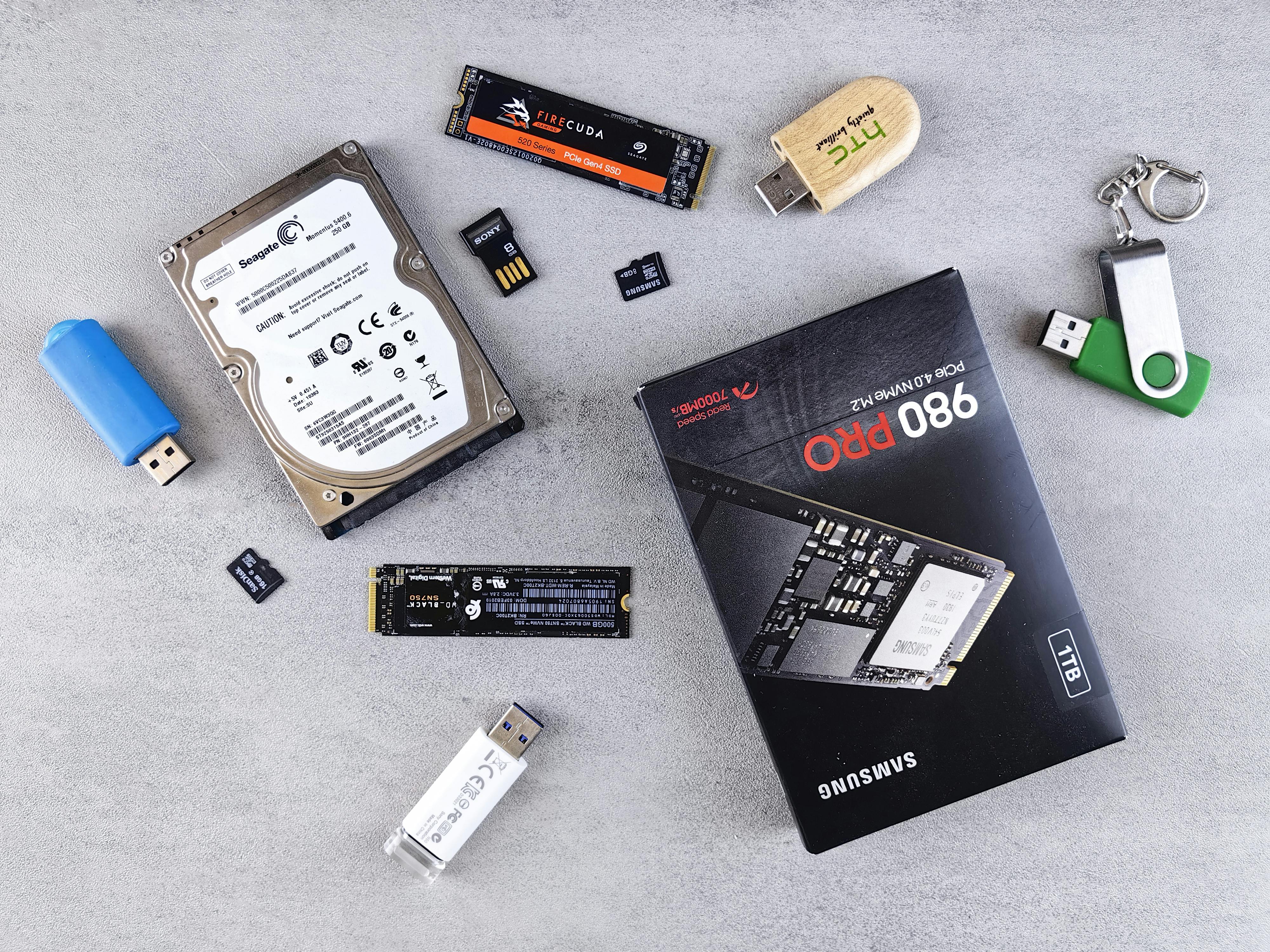
SSD prices have fallen so much in 2026 that the real question is no longer whether to get an SSD — it's which type of SSD to buy. If you already read our SSD vs HDD guide, you know solid-state storage beats spinning hard drives in every way. But walk into Hall Road Lahore or browse any online seller in Pakistan today and you'll see two kinds of SSDs on the shelf: NVMe (M.2) drives and SATA (2.5-inch) drives. They look completely different, perform very differently, and — surprisingly — often cost nearly the same. This guide explains the difference in plain language, compares real-world speeds, and helps you pick the right one for your PC or laptop.
Prices below are approximate 2026 market estimates in PKR and USD (PKR at ~Rs 280/USD). Amazon blocks automated price checks, so always confirm the current price with your seller before buying.
Table of Contents- What Is an NVMe SSD?
- What Is a SATA SSD?
- NVMe vs SATA: Speed Comparison Table
- Form Factors: M.2 vs 2.5-Inch Explained
- PCIe Gen 3 vs Gen 4 vs Gen 5: Does It Matter?
- Best NVMe & SATA SSDs to Buy in 2026 (PKR + USD Prices)
- NVMe vs SATA: Which Should YOU Buy?
- Pakistan Buying Tips (Hall Road & Techno City)
- Frequently Asked Questions
- Final Verdict
What Is an NVMe SSD?
NVMe (Non-Volatile Memory Express) is a storage protocol designed specifically for flash memory, and it runs over the PCIe interface — the same high-speed lanes your graphics card uses. NVMe SSDs come in the slim M.2 stick form factor and plug directly into a slot on your motherboard. Because PCIe offers far more bandwidth than the old SATA interface, NVMe drives reach 3,500 to 14,000 MB/s sequential read speeds depending on the generation. In plain terms: Windows boots in seconds, games load almost instantly, and moving a 50GB file takes under a minute. If your motherboard was made in the last 6–7 years, it almost certainly has at least one M.2 NVMe slot — check our motherboard buying guide to see how M.2 slots factor into board choice.
What Is a SATA SSD?
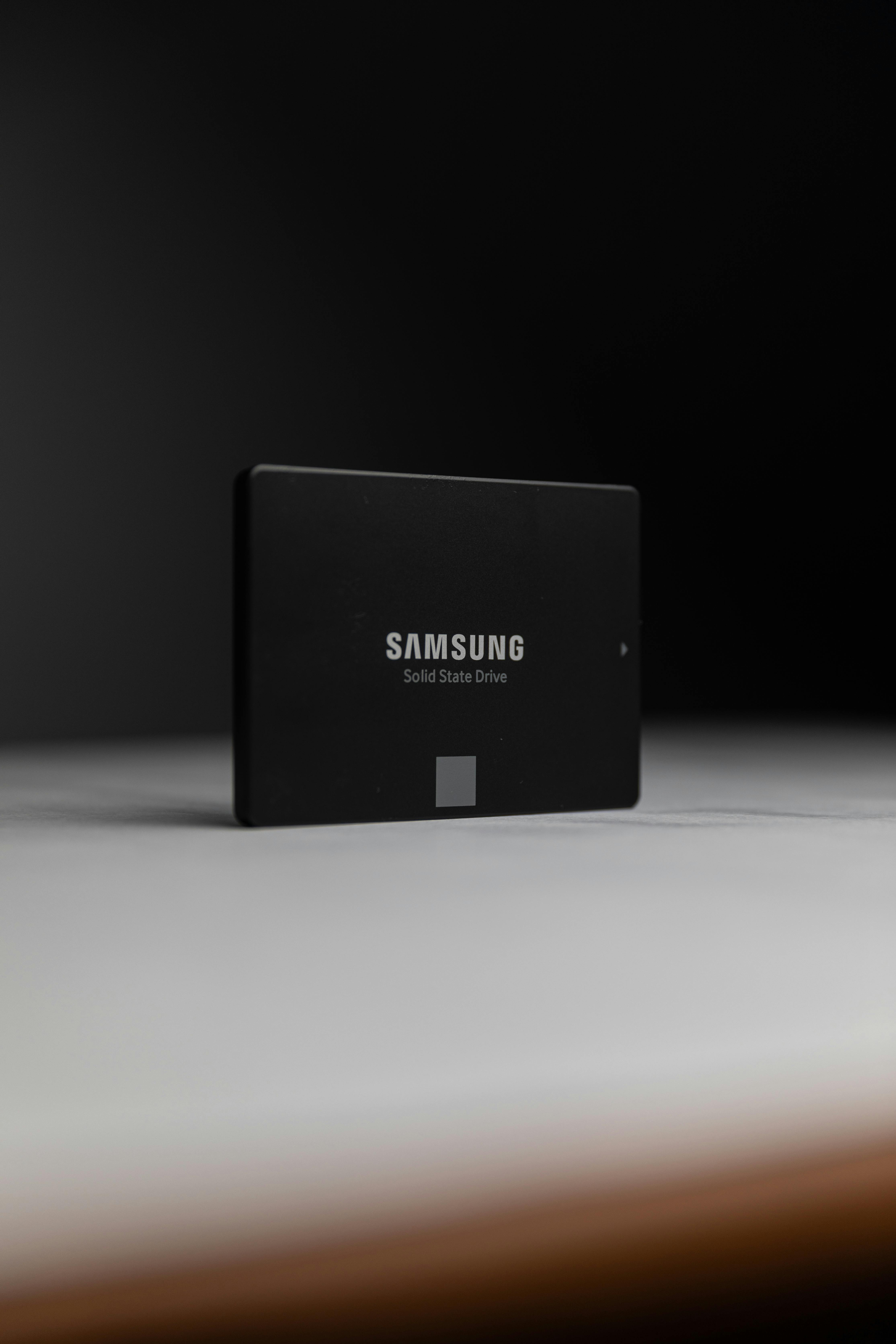
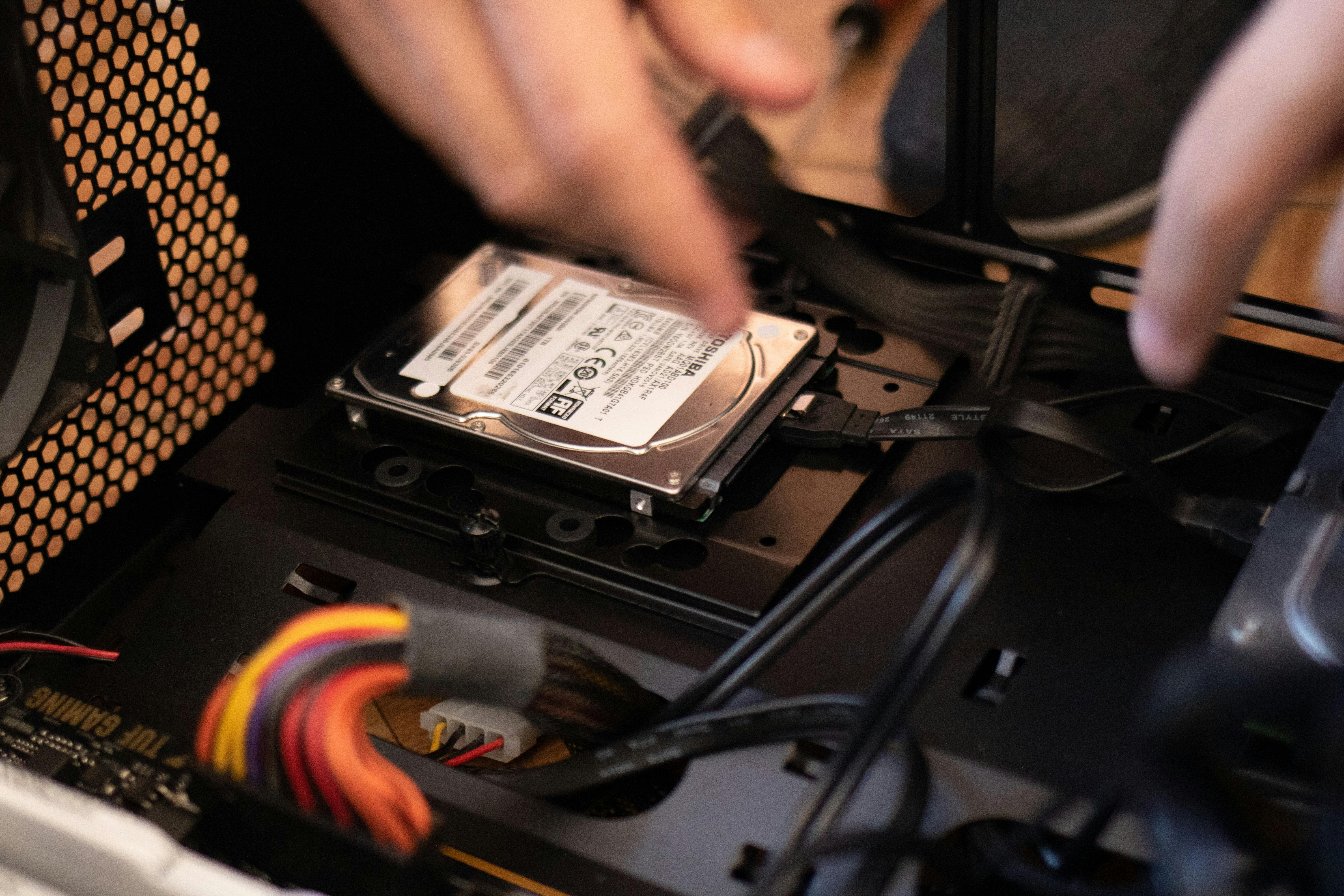
SATA SSDs use the same SATA III interface and 2.5-inch form factor as old laptop hard drives. They connect with two cables (data + power) and top out at about 550 MB/s — the hard limit of the SATA III bus. That is still roughly 5x faster than a spinning HDD for everyday tasks, which is why a cheap SATA SSD remains the single best upgrade for an old PC. Their main advantage in 2026 is compatibility: any desktop or laptop from the last 15 years accepts a 2.5-inch SATA SSD with zero fuss.
NVMe vs SATA: Speed Comparison Table
| Specification | SATA SSD | NVMe Gen3 | NVMe Gen4 | NVMe Gen5 |
|---|---|---|---|---|
| Interface | SATA III (6 Gb/s) | PCIe 3.0 x4 | PCIe 4.0 x4 | PCIe 5.0 x4 |
| Max sequential read | ~550 MB/s | ~3,500 MB/s | ~7,400 MB/s | ~14,000 MB/s |
| Max sequential write | ~520 MB/s | ~3,000 MB/s | ~6,600 MB/s | ~12,000 MB/s |
| Random read (IOPS) | ~90K | ~400K | ~1,000K | ~1,500K |
| Form factor | 2.5-inch | M.2 2280 | M.2 2280 | M.2 2280 |
| Cables needed | Yes (SATA + power) | No | No | No |
| Typical 1TB price (2026, approx.) | ~Rs 19,600 (~$70) | ~Rs 15,400 (~$55) | ~Rs 16,800 (~$60) | ~Rs 30,800 (~$110) |
| Best for | Old PCs/laptops | Budget upgrades | Gaming & general use | Video editing, pros |
Form Factors: M.2 vs 2.5-Inch Explained
This is where beginners get confused, so let's be clear:
- 2.5-inch SATA SSD — a small flat rectangle, needs SATA data + power cables. Works in virtually any PC or laptop.
- M.2 SATA SSD — a stick that looks like NVMe but still runs at SATA speeds (~550 MB/s). Avoid these in 2026 — they cost nearly the same as NVMe while performing like SATA.
- M.2 NVMe SSD — the stick you want. Plugs straight into the motherboard's M.2 slot, no cables, full PCIe speed.
How to tell them apart: M.2 NVMe sticks have one notch (M-key) on the connector; M.2 SATA sticks usually have two notches (B+M key). When in doubt, read the label on the drive — it will say NVMe or SATA.
PCIe Gen 3 vs Gen 4 vs Gen 5: Does It Matter?
For most buyers in 2026, Gen4 NVMe is the sweet spot. Here's why: Gen3 drives (~3,500 MB/s) are now only marginally cheaper than Gen4 (~7,400 MB/s), so Gen3 makes little sense for new purchases. Gen5 drives (~14,000 MB/s) are genuinely twice as fast on paper, but they run hot (most need a heatsink), cost nearly double, and show almost no difference in game loading or daily use — they only pay off for 4K/8K video editing and heavy file work. Our advice: buy a good Gen4 drive unless you have a specific professional workload that needs Gen5.
Best NVMe & SATA SSDs to Buy in 2026 (PKR + USD Prices)
Best NVMe SSDs
1. WD Blue SN580 1TB (Gen4) — ~Rs 16,800 (~$60). The value king of 2026: ~4,150 MB/s reads, DRAM-less but efficient, perfect for gaming PCs and laptops. Our top pick for most buyers.
2. Samsung 990 PRO 1TB (Gen4) — ~Rs 29,400 (~$105). ~7,450 MB/s, best-in-class endurance and sustained writes. For enthusiasts who want the fastest Gen4 experience.
3. Crucial P3 Plus 1TB (Gen4) — ~Rs 16,800 (~$60). ~5,000 MB/s budget NVMe, great for a second drive or a budget build.
Best SATA SSDs (for old systems only)
1. Crucial MX500 1TB (SATA III) — ~Rs 19,600 (~$70). The most reliable SATA SSD ever made, with DRAM cache. Still the safest pick for old laptops.
2. Samsung 870 EVO 1TB (SATA III) — ~Rs 22,400 (~$80). Samsung's legendary reliability and consistent ~560 MB/s performance.
3. Kingston A400 480GB (SATA III) — ~Rs 9,800 (~$35). The cheapest way to revive a dying old laptop — just don't expect miracles.
NVMe vs SATA: Which Should YOU Buy?
Buy an NVMe SSD if:
- ✅ Your motherboard or laptop has an M.2 slot (most PCs from 2017 onward do)
- ✅ You're building a new PC or buying a drive for a modern system
- ✅ You game, edit video, or move large files regularly
- ✅ You want the best speed per rupee — Gen4 NVMe now costs the same or less than SATA
Buy a SATA SSD if:
- ✅ Your old laptop/desktop has NO M.2 slot (check the manual or open it up)
- ✅ You're reviving a 5–10-year-old PC on a tight budget
- ✅ You need a secondary drive and your M.2 slots are all full
Pros and Cons
NVMe SSD — Pros: 6–25x faster than SATA; no cables, cleaner build; same or lower price than SATA in 2026; lower power draw (great for laptops). Cons: needs an M.2 slot; Gen5 models run hot and need heatsinks; overkill if you only browse the web.
SATA SSD — Pros: works in any PC from the last 15 years; simple installation; still 5x faster than an HDD. Cons: capped at ~550 MB/s; needs two cables; often costs MORE than faster NVMe drives in 2026; bulkier 2.5-inch size.
Pakistan Buying Tips (Hall Road & Techno City)
- Always buy sealed packs with warranty. On Hall Road Lahore and at Techno City Karachi, insist on the official distributor sticker (Samsung, WD, and Crucial all have local distributors). Grey imports are cheaper but warranty claims become your problem.
- Beware of fake "1TB" drives. Counterfeit SSDs with hacked firmware that report fake capacity are common in local markets. Test any new drive immediately with a full-format or a tool like H2testw — if the real capacity is smaller than printed, return it the same day.
- Match the drive to your slot. Before buying NVMe, confirm your motherboard/laptop actually supports it — a Gen4 drive works fine in a Gen3 slot (just at Gen3 speed), but an M.2 SATA slot will not run an NVMe drive at all. When upgrading a laptop, pairing an SSD with extra RAM (see our RAM buying guide) gives the biggest overall speed boost.
- Online vs market: Daraz and local online sellers often match Hall Road prices during sales, but for SSDs the physical market lets you verify the seal and serial number on the spot — worth the trip for drives above Rs 15,000.
Frequently Asked Questions
Is NVMe really faster than SATA in everyday use?
Yes — noticeably. Windows boot times drop from ~25 seconds on SATA to ~10 seconds on Gen4 NVMe, game levels load 30–50% faster, and large file copies finish in a fraction of the time. For basic web browsing and Office work the difference is smaller, but NVMe still feels snappier.
Can I use an NVMe SSD in an old laptop?
Only if the laptop has an M.2 slot that supports NVMe — most laptops from 2017 onward do. Older laptops with only a 2.5-inch bay need a SATA SSD. Check your laptop's manual or service guide before buying.
Will a Gen4 NVMe SSD work in a Gen3 slot?
Yes. PCIe is backward compatible, so a Gen4 drive works in a Gen3 M.2 slot — it simply runs at Gen3 speeds (~3,500 MB/s). You can later move it to a Gen4 board and get full speed.
Do NVMe SSDs need a heatsink?
Gen3 and most Gen4 drives run fine without one in normal use. High-end Gen4 drives (like the Samsung 990 PRO) and nearly all Gen5 drives benefit from a heatsink — many motherboards include an M.2 heatsink built in, so check before buying a separate one.
How long do SSDs last? (TBW explained)
SSD lifespan is rated in TBW (terabytes written). A typical 1TB drive rated at 600 TBW would survive ~30 years of writing 50GB per day. For normal home and gaming use, any reputable SSD will outlive the PC it's installed in.
Is 500GB enough, or should I get 1TB?
In 2026, 1TB is the sweet spot — 500GB fills up fast once Windows, a few games, and apps are installed, and the price difference is small. Go 2TB if you edit video or keep a large game library.
Final Verdict
In 2026 the NVMe vs SATA debate has a clear winner: NVMe. It's faster, needs no cables, uses less power, and — thanks to falling prices — now costs the same or even less than SATA. Unless your PC physically lacks an M.2 slot, there is no reason to buy a SATA SSD for a modern system. For old laptops and desktops, though, a SATA SSD like the Crucial MX500 remains the cheapest way to make a slow machine feel new again. Either way, moving from a hard drive to any SSD is the single biggest performance upgrade you can buy.
Admin is the founder of PENTIUM TECH HUB, covering computers, laptops, and PC hardware with a focus on honest buying advice and Pakistan market prices. Every guide is based on real specifications, benchmark data, and live price checks.
Post a Comment