
What a Budget Wi-Fi 6 Router Is
A budget Wi-Fi 6 router is a dual-band wireless router built on the 802.11ax (Wi-Fi 6) standard, selling for under $80. Unlike the cheap ISP-provided boxes or old Wi-Fi 5 routers still common in Pakistani homes, these support OFDMA and MU-MIMO — technologies that let the router talk to many devices at once instead of serving them one by one.
In practice that means your 4K stream no longer stutters when two phones start a video call, and a house with 15–25 devices stays responsive even on a modest internet plan. If you are new to the topic, our general guide to the best Wi-Fi routers to buy in 2026 covers the full landscape, including the premium options.
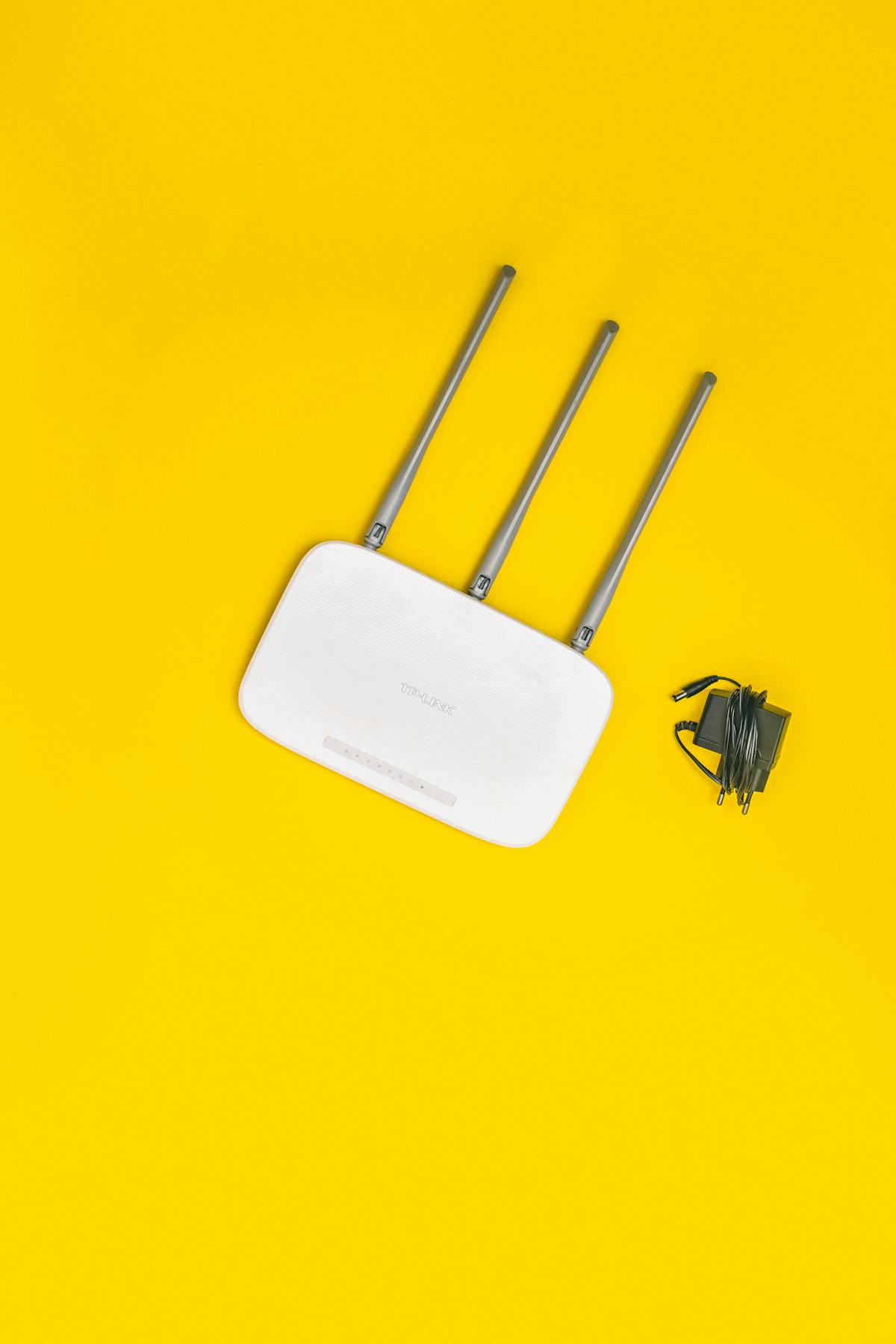
The 6 Best Budget Wi-Fi 6 Routers Under $80 of 2026
1. TP-Link Archer AX21 AX1800 — Best Overall Budget Pick
Best for: most homes that want reliable Wi-Fi 6 at the lowest sane price.
Key specs: Wi-Fi 6 (802.11ax) · AX1800 (1201 Mbps on 5 GHz + 574 Mbps on 2.4 GHz) · 4 high-gain antennas · 1× Gigabit WAN + 4× Gigabit LAN · USB 2.0 port · OneMesh support · covers ~2,000 sq ft.
The Archer AX21 is the budget Wi-Fi 6 router reviewers keep recommending year after year because it nails the basics: stable speeds, simple setup through the Tether app, WPA3 security, and mesh expansion if you add a OneMesh extender later. The USB port lets you share a drive or printer on your network — a rarity at this price.
Approx. price: ~$55–$65 (approx. Rs 15,700–Rs 18,500 at USD ≈ Rs 285).
2. TP-Link Archer AX10 AX1500 — Cheapest Full Wi-Fi 6 Entry
Best for: apartments and small homes that want Wi-Fi 6 for the least money.
Key specs: Wi-Fi 6 (802.11ax) · AX1500 (1201 Mbps on 5 GHz + 300 Mbps on 2.4 GHz) · 4 antennas with Beamforming · 1× Gigabit WAN + 4× Gigabit LAN · OneMesh support · Alexa compatible.
The AX10 is TP-Link's entry ticket to Wi-Fi 6: a 1.5 GHz triple-core CPU handles OFDMA and MU-MIMO traffic well, and Beamforming focuses the signal toward your devices instead of spraying it everywhere. You give up the AX21's USB port and some headroom on the 2.4 GHz band, but for a small apartment on a plan up to 500 Mbps, you will never notice. Street prices frequently dip the lowest of any name-brand Wi-Fi 6 router.
Approx. price: ~$60–$70 (approx. Rs 17,100–Rs 19,950).
3. ASUS RT-AX1800S — Best Security and Firmware
Best for: families and anyone who wants strong built-in security and polished firmware.
Key specs: Wi-Fi 6 (802.11ax) · AX1800 (1201 Mbps + 574 Mbps) · 4 antennas · 1× Gigabit WAN + 1× Gigabit LAN · AiProtection security · easy app setup with no account required.
The RT-AX1800S is reviewers' favourite Wi-Fi 6 router under $100 for a reason: excellent 5 GHz throughput, one of the longest coverage ranges in its class, and ASUS's AiProtection security suite protecting every connected device without a subscription. Setup is genuinely quick — no forced cloud account. The trade-offs are fewer LAN ports (just one plus WAN) and no advanced parental-control tiers, which is fair at this price.
Approx. price: ~$60–$70 (approx. Rs 17,100–Rs 19,950).
4. Netgear R6700AX — Best Nighthawk Experience on a Budget
Best for: buyers who like Netgear's Nighthawk app and want proven 20-device capacity.
Key specs: Wi-Fi 6 (802.11ax) · AX1800 (1.8 Gbps combined) · 3 antennas · 1× Gigabit WAN + 4× Gigabit LAN · covers up to 1,500 sq ft / 20 devices · Netgear Armor trial included.
The R6700AX brings the Nighthawk brand's polish — a mature app, reliable firmware updates, and consistent real-world throughput — down to the budget tier. It covers about 1,500 sq ft and 20 simultaneous devices, which fits most family homes. Watch for sales: its street price bounces around a lot, and at its lows it is one of the cheapest ways into a big-brand Wi-Fi 6 router.
Approx. price: ~$50–$70 (approx. Rs 14,250–Rs 19,950).
5. Tenda RX2 Pro — The Cheapest Worth Buying
Best for: maximum Wi-Fi 6 for minimum money, especially in Pakistan.
Key specs: Wi-Fi 6 (802.11ax) · AX1500 (1201 Mbps + 300 Mbps) · 5× 6dBi high-gain antennas · 1× Gigabit WAN + 3× Gigabit LAN · WPA3 + OFDMA + MU-MIMO.
The RX2 Pro is the value surprise of this list: five chunky 6dBi antennas and full Wi-Fi 6 features for less than the price of a dinner for two. It lacks the polished apps of TP-Link or ASUS, and its firmware is basic — but the raw wireless performance per rupee is hard to beat. If your priority is simply getting Wi-Fi 6 into the house as cheaply as possible, start here.
Approx. price: ~$35–$45 (approx. Rs 10,000–Rs 12,825).
6. Xiaomi AX3000T — Fastest Specs Under $80
Best for: tech enthusiasts who want AX3000-class speed and mesh features on a budget.
Key specs: Wi-Fi 6 (802.11ax) · AX3000 (2402 Mbps on 5 GHz via 160 MHz channels + 574 Mbps on 2.4 GHz) · 4 high-gain antennas · 1× Gigabit WAN + 3× Gigabit LAN · NFC one-touch connection · 1.3 GHz dual-core CPU · Xiaomi mesh networking.
The AX3000T is the only router on this list with AX3000-class speed: its 160 MHz-wide 5 GHz channel roughly doubles real-world 5 GHz throughput versus the AX1800 picks, and it supports Xiaomi's mesh system if you add a second unit later. The NFC tap-to-connect feature is a nice touch for guests. The caveat: availability outside China varies, so check local stock and warranty terms carefully before committing — and pair it with a 160 MHz-capable phone or laptop to get the full benefit.
Approx. price: ~$40–$70 (approx. Rs 11,400–Rs 19,950).
Full Comparison Table
| Router | Wi-Fi Standard | Combined Speed | Antennas | Key Feature | Approx. Price (USD / PKR) |
|---|---|---|---|---|---|
| TP-Link Archer AX21 AX1800 | Wi-Fi 6 | AX1800 | 4 | Best overall value, USB port | ~$55–65 / Rs 15,700–18,500 |
| TP-Link Archer AX10 AX1500 | Wi-Fi 6 | AX1500 | 4 | Cheapest full Wi-Fi 6 entry | ~$60–70 / Rs 17,100–19,950 |
| ASUS RT-AX1800S | Wi-Fi 6 | AX1800 | 4 | AiProtection security suite | ~$60–70 / Rs 17,100–19,950 |
| Netgear R6700AX | Wi-Fi 6 | AX1800 | 3 | Nighthawk app, 20 devices | ~$50–70 / Rs 14,250–19,950 |
| Tenda RX2 Pro | Wi-Fi 6 | AX1500 | 5 | Cheapest pick, 6dBi antennas | ~$35–45 / Rs 10,000–12,825 |
| Xiaomi AX3000T | Wi-Fi 6 | AX3000 | 4 | 160 MHz channels, NFC, mesh | ~$40–70 / Rs 11,400–19,950 |
All prices are approximate 2026 market estimates (USD converted at ~Rs 285). Confirm the final price with the seller before buying — local markups and the dollar rate move often.

Budget Router vs Expensive Router — What Do You Give Up?
Choose a budget Wi-Fi 6 router when your internet plan is 500 Mbps or slower (these routers saturate it easily), your home is under ~2,000 sq ft, and your heaviest use is 4K streaming, video calls, and online classes. In this price range you still get OFDMA, MU-MIMO, WPA3 security, and Beamforming — the features that actually matter day to day.
What a $200+ router buys you: faster processors for 50+ devices, multi-gigabit WAN ports for plans above 1 Gbps, tri-band designs that reduce congestion in crowded apartment blocks, and stronger mesh ecosystems. Our mesh Wi-Fi systems and Wi-Fi 7 routers guide covers that tier. For a typical Pakistani household on a 50–200 Mbps fiber or DSL line, the expensive router's extra headroom sits unused — spend the difference on a better internet plan instead.
For gamers specifically: budget Wi-Fi 6 routers handle casual and ranked play fine, but competitive players chasing the lowest ping should pair the router with a wired connection or read our gaming routers for low ping guide for latency-focused picks.
What to Check Before You Buy
- Wi-Fi 6, not Wi-Fi 5: Every router on this list is 802.11ax — do not pay Wi-Fi 6 money for an old AC1200/AC1900 (Wi-Fi 5) box, no matter how "fast" the box claims.
- AX1500 vs AX1800 vs AX3000: These are combined theoretical speeds (2.4 GHz + 5 GHz). AX1500 suits apartments; AX1800 suits most homes; AX3000 only helps if your devices support 160 MHz channels.
- Gigabit ports: Make sure the WAN and LAN ports are Gigabit (1000 Mbps), not 100 Mbps — some ultra-cheap routers still ship Fast Ethernet ports that bottleneck your plan.
- Coverage and antennas: Match the router to your home size. One unit covers most apartments; a large multi-storey house will need a second node or a mesh system instead of a bigger single router.
- CPU and device count: Check the router's rated device capacity. A weak CPU chokes when 20+ phones, TVs, and smart bulbs pile on — the Netgear and TP-Link picks here are rated for exactly this.
- USB and extra features: A USB port (Archer AX21) lets you share a printer or drive; mesh compatibility (OneMesh, ASUS AiMesh, Xiaomi mesh) lets you extend coverage later instead of replacing the router.
- Firmware and app: You will live with the app for years — TP-Link Tether and the ASUS app are the friendliest here, while Tenda's is functional but basic.
Buying in Pakistan: Prices and Local Tips
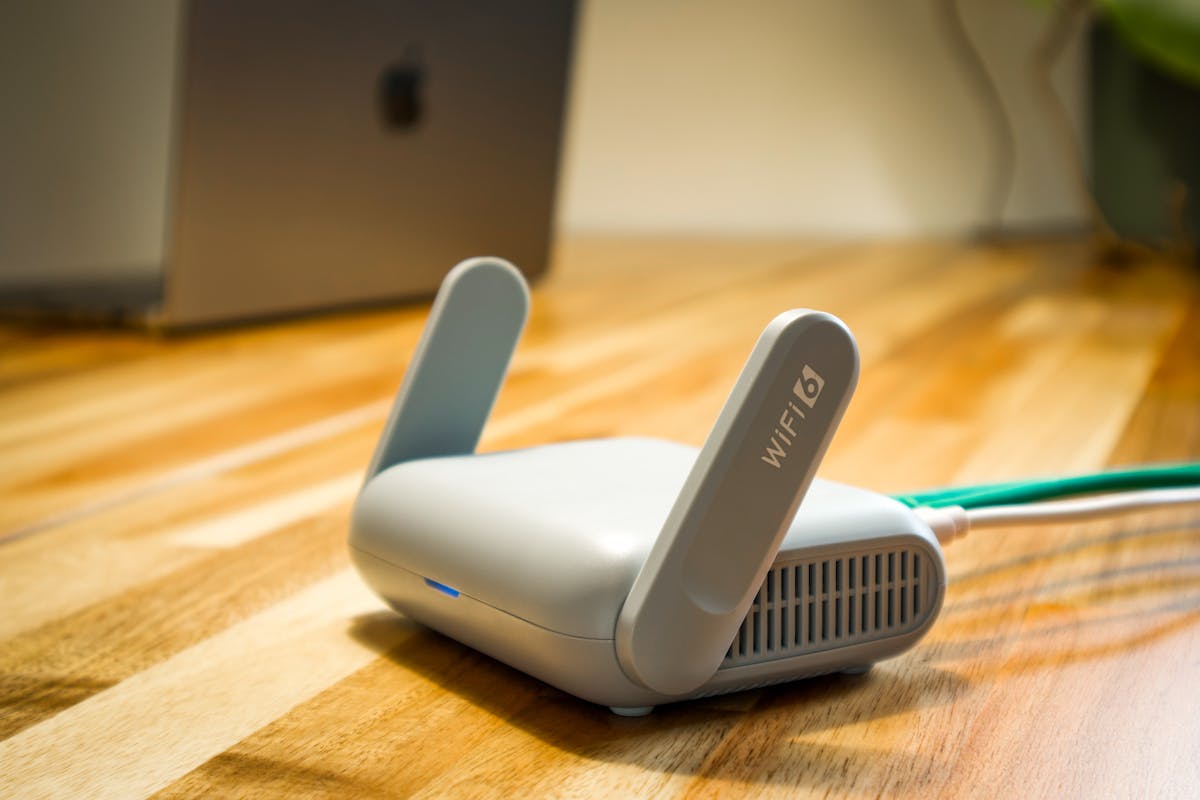
Budget Wi-Fi 6 routers are widely available in Pakistan at Hall Road Lahore and Techno City Karachi, plus online listings. Local prices usually run 10–25% above the USD estimates in the table above because of shipping, customs, and the dollar rate — at USD ≈ Rs 285, budget roughly Rs 10,000–Rs 20,000 for most of these picks, with the Tenda RX2 Pro often the cheapest on local shelves. All prices below are approximate 2026 market estimates — always confirm with the seller before buying.
Practical local buying tips:
- Buy a sealed box: Insist on factory-sealed packaging. "Open box" or repacked units are common on Hall Road — a sealed box is your best guarantee the router is new and unflashed.
- Check the official Pakistan distributor/warranty sticker: Look for a local distributor or importer sticker on the box and ask exactly who honours the warranty — the shop or the importer — and get it in writing on the receipt.
- Compare Hall Road street prices with online listings: Check a couple of shops in person, then compare with online sellers before committing. If a shop's quote is far above the USD estimate plus ~15%, negotiate or walk away.
- Test the unit in the shop: Ask the dealer to power it on, let you connect your phone, and run a quick speed test. Confirm the model number on the admin page matches the box exactly.
- Beware region-locked firmware: Some imported routers (especially Chinese-brand units) ship with Chinese or global firmware that lacks Pakistan-friendly settings or an English UI — check the admin interface in the shop before paying.
Frequently Asked Questions
Is a Wi-Fi 6 router under $80 fast enough for a family?
Yes, for most families. An AX1500 or AX1800 Wi-Fi 6 router handles 4K streaming, video calls, and 15–25 devices at once — more than enough for a home on a plan up to 500 Mbps. Only homes with gigabit-plus plans or 50+ devices need a more expensive router.
Do I need Wi-Fi 6E or Wi-Fi 7 instead of Wi-Fi 6?
Not yet for most buyers. Wi-Fi 6E adds the 6 GHz band and Wi-Fi 7 adds even faster speeds, but few phones and laptops use them, and the routers cost much more. A budget Wi-Fi 6 router is the smart buy in 2026 unless you own several Wi-Fi 7 devices.
How many devices can a budget Wi-Fi 6 router handle?
Thanks to OFDMA and MU-MIMO, budget Wi-Fi 6 routers comfortably handle 15–25 devices at once — phones, TVs, laptops, and smart bulbs. The Netgear R6700AX is rated for up to 20 devices, and the TP-Link picks perform similarly in real homes.
Should I replace the free router my ISP gave me?
Usually yes. ISP-provided routers are often older Wi-Fi 5 models with weak coverage and no OFDMA, so they slow down when several devices connect. A $35–$70 Wi-Fi 6 router like the Tenda RX2 Pro or Archer AX21 is one of the cheapest real upgrades you can make to your home network.
How much does a good budget Wi-Fi 6 router cost in Pakistan?
Budget roughly Rs 10,000–Rs 20,000 at Hall Road Lahore or Techno City Karachi (10–25% above the USD estimates due to import costs). These are approximate 2026 market estimates at USD ≈ Rs 285 — confirm the final price with the seller before buying.
Final Verdict
For most buyers in 2026, the TP-Link Archer AX21 is the smartest budget Wi-Fi 6 buy: proven stability, a USB port, and mesh expandability at around $55–$65. If security and firmware polish matter more to you, the ASUS RT-AX1800S is worth the small premium. The Tenda RX2 Pro is the pick when every rupee counts, and the Xiaomi AX3000T is the enthusiast's choice for maximum speed per dollar.
Whatever you choose, do not keep suffering on an old ISP box or a Wi-Fi 5 router in 2026 — under $80 you can get genuine Wi-Fi 6 with OFDMA, MU-MIMO, and WPA3. Buy sealed, test in the shop, confirm the final price, and enjoy a network that finally keeps up with your devices.
The Pentium Tech Hub team covers computers, laptops, and gaming hardware with hands-on buying advice for readers in Pakistan and beyond. We compare real specs, verify market prices, and keep every guide practical — no fluff, no sponsored picks.
Post a Comment